Work — Superb.G
Superb.G Commerce — from catalogue to a fully automated platform
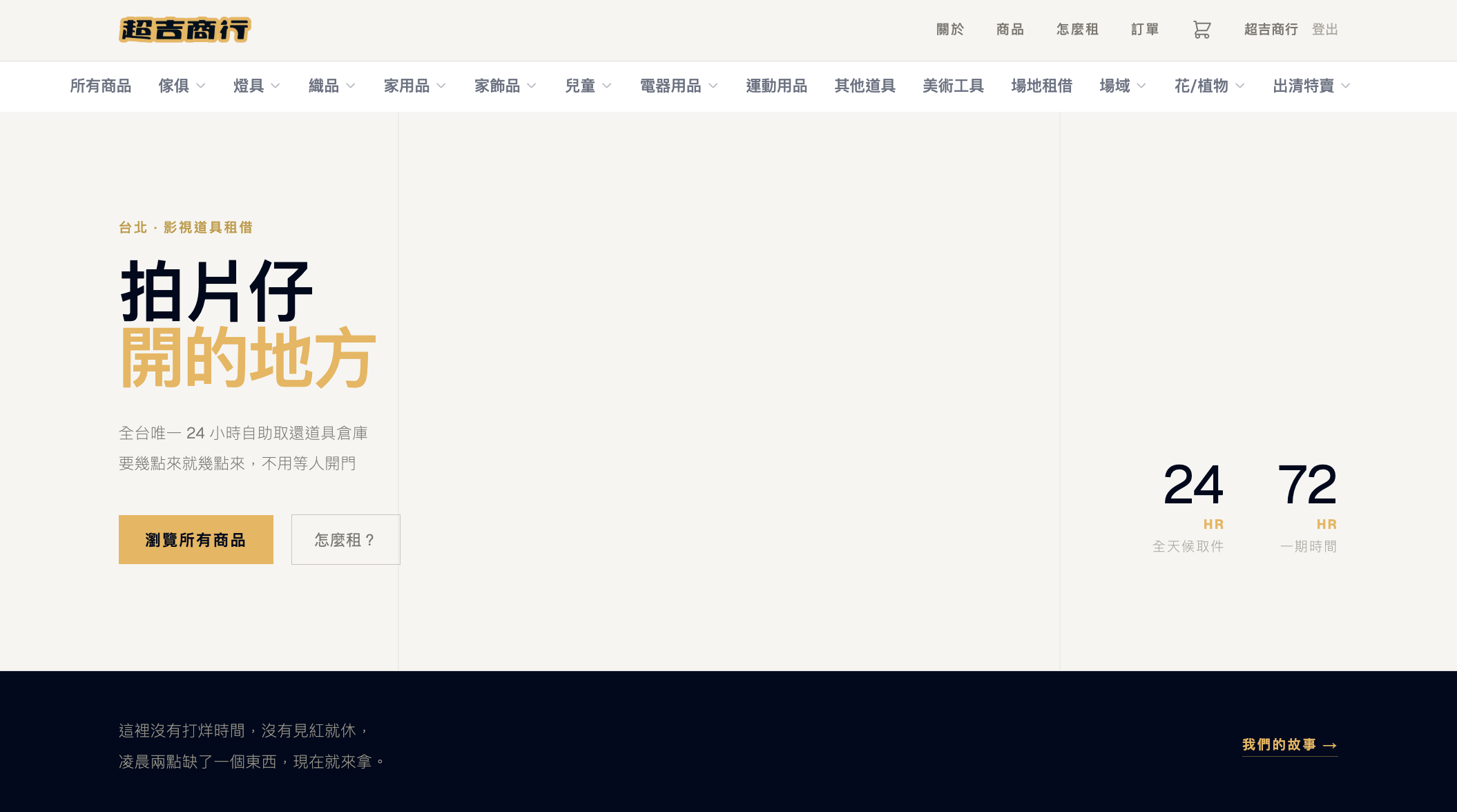
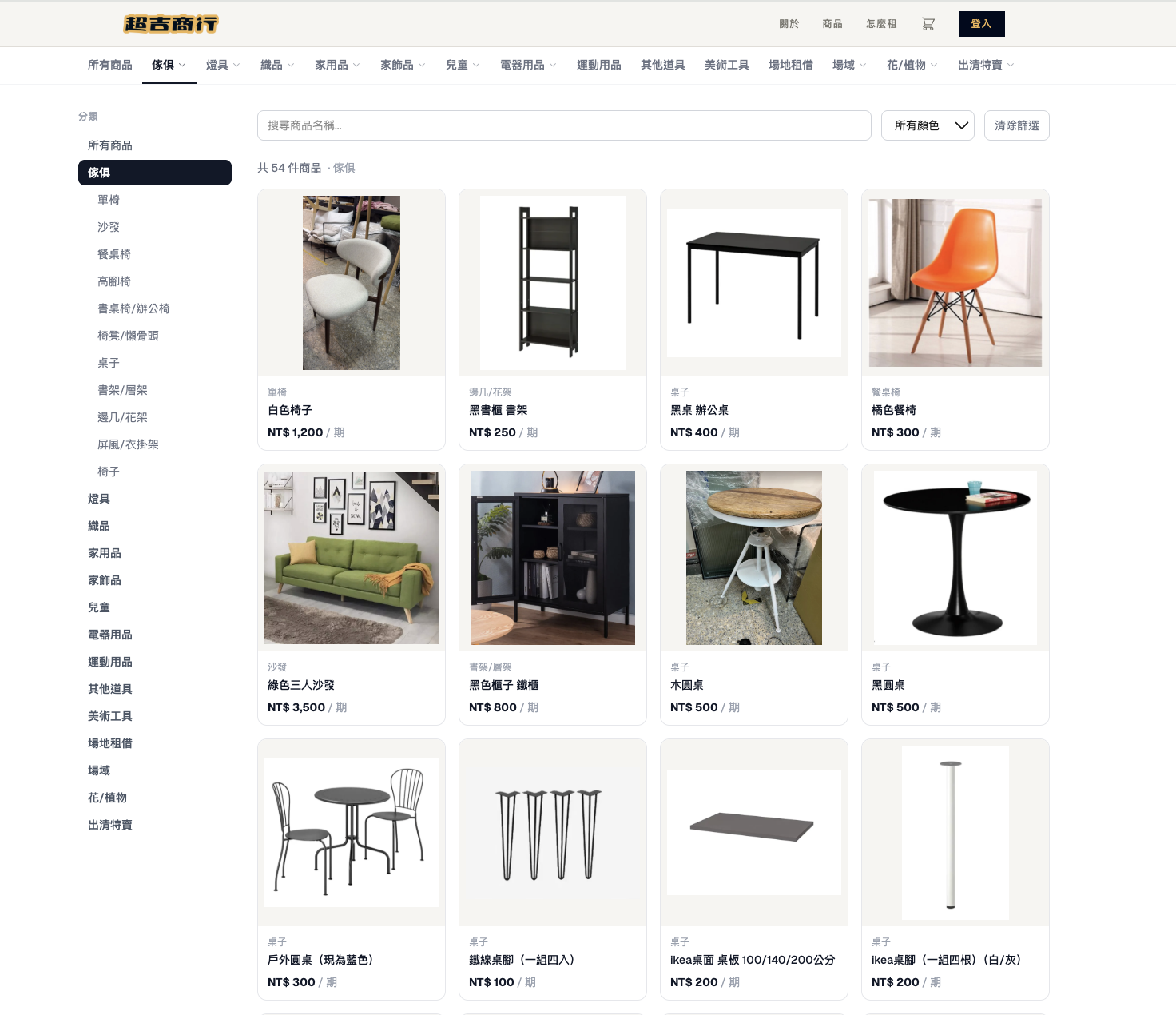
jijiji rental is an unattended rental platform that integrates payment with smart-lock access, letting customers complete the entire flow online — order, pay, and pick up — without staff present at handover.
The problem
A catalogue with no checkout behind it
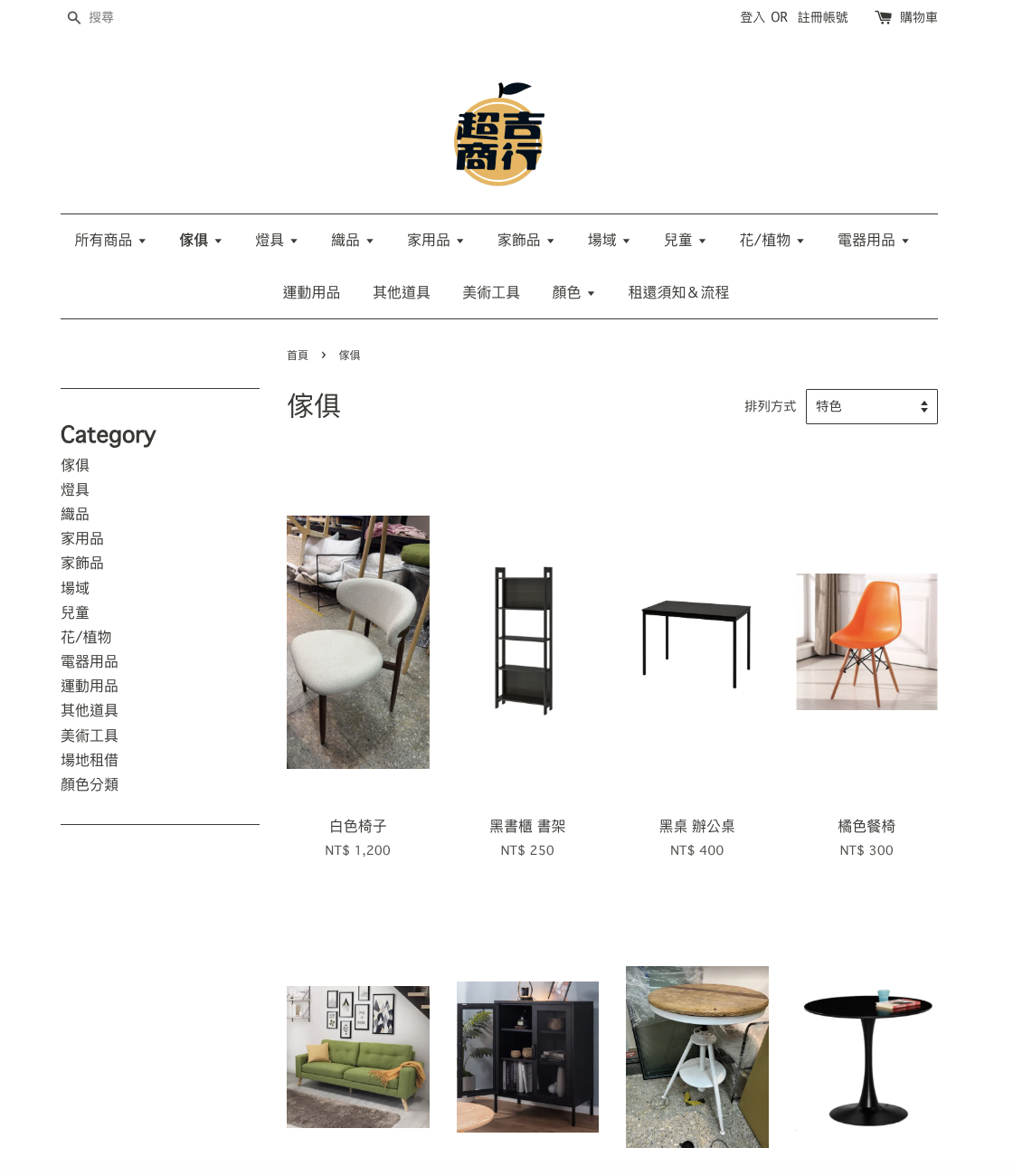
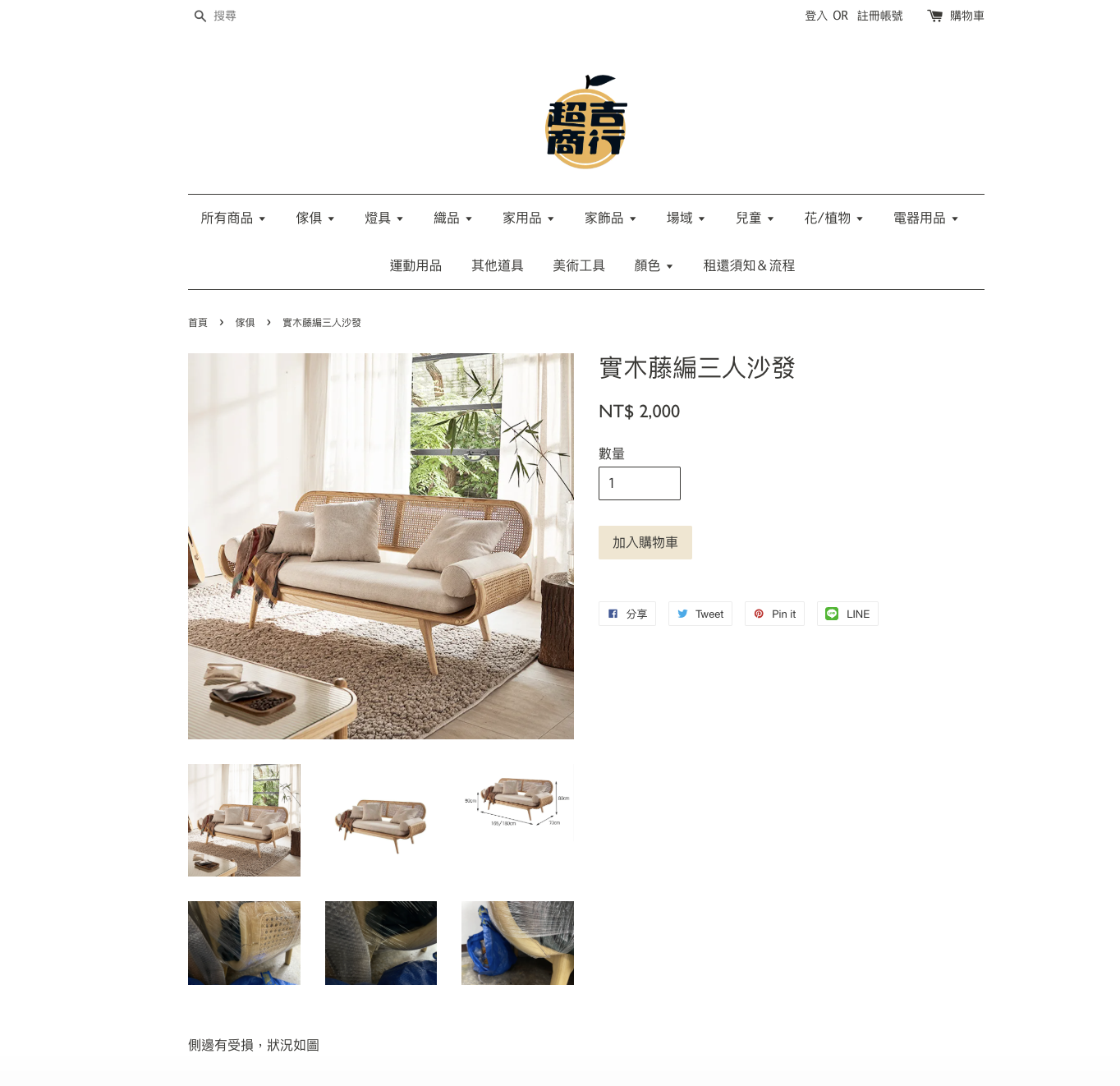
The old site was built on an off-the-shelf e-commerce template (still live at coltdjijiji.easy.co) — a plain product catalogue. Every listing has a price and an "add to cart" button, and the cart itself supports quantity and a discount code — but there is no field anywhere for a rental period. The system has no concept of dates.
So once a customer added something to cart, the actual transaction — which dates, whether it's even free that week, how to pay, where to pick it up — still had to be settled one-on-one over LINE. The website's job ended at "here's what we have"; a staff member's job started at "let's figure out the rest."
That handoff is what didn't scale. Every rental request needed a person to check availability by memory or a shared sheet, confirm the price manually, wait for a bank transfer, and then reply with pickup instructions — all before the customer could actually get the item. More listings and more orders meant more of that same manual loop, not less.
Before the rebuild, every order looked like this:
- 01Availability lived in someone's memory or a shared sheet — customers had to ask and wait
- 02Prices were quoted manually per rental period, message by message over LINE
- 03Payment meant a bank transfer, then waiting for a human to confirm it arrived
- 04Pickup instructions and the door code were sent by hand, only after all of the above
What changed
Collapsing a multi-day back-and-forth into one online session
The rental period became a first-class object
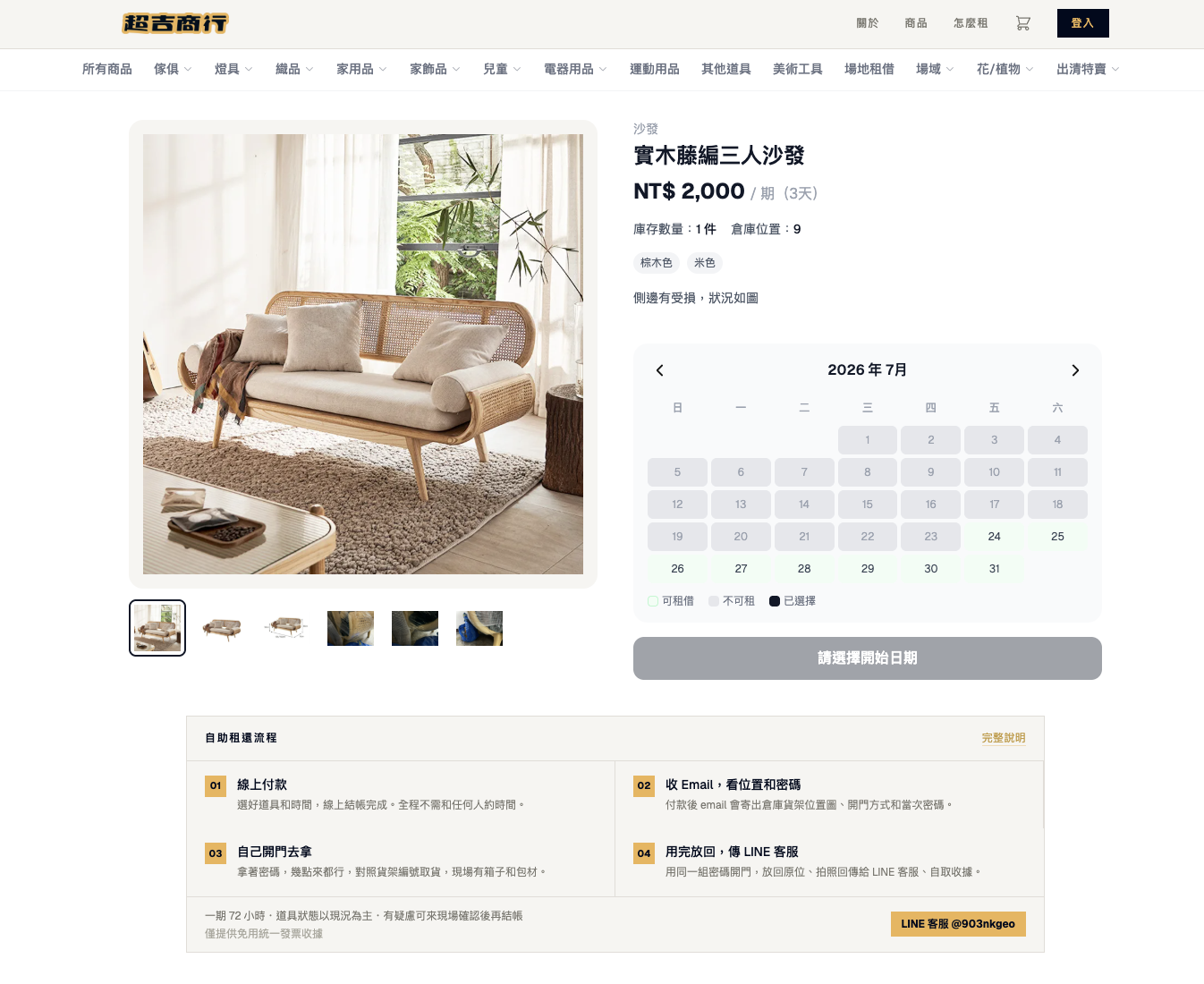
Product pages now carry a live calendar. Customers pick a start date and the system calculates the billing periods (72-hour blocks) and total in real time, checking availability per item variant as they select — the exact step that used to require asking a person and waiting for an answer.
Payment and unlock, automatically connected
Once payment completes, the system confirms the order and emails the shelf location, floor plan, and door code immediately. What used to be a multi-message LINE exchange spread over minutes or hours — confirm order, confirm payment, send code — now happens in the same few seconds it takes the payment gateway to respond. Customers go from checkout to holding a door code without waiting on anyone to be online.
Cart logic fixed for overlapping rental periods
If the same item is booked for different rental periods, the system now records and calculates each booking independently, instead of one date selection silently overwriting another in the cart.
Designing the calendar
The part that had to be right: never double-book a shelf
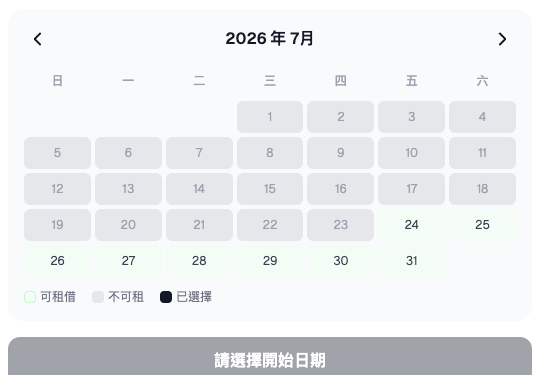
The calendar looks simple from the customer's side — pick a date, see what's blocked — but it has to reconcile three different reasons a date can be unavailable, and get all three right every time or the business loses trust immediately.
A naive version would just mark a date blocked if any confirmed order overlaps it. That breaks the moment an item has more than one unit in stock, or comes in variants (size, color) with independent inventory — one booking shouldn't block a date for the whole product, only for the units it actually uses.
The second reason is invisible to the customer entirely: after a return, the item needs cleaning and restocking before it can go out again. I modeled that explicitly as a buffer_end column on each order — return date plus a fixed number of prep days — rather than trusting staff to remember to block it manually. If it's not in the schema, someone eventually forgets, and a customer shows up to an item that isn't actually ready.
The third is a manual override table for one-off cases — maintenance, cleaning, damage — that staff can toggle from the admin panel without touching code.
The calendar's availability check (in ItemDetail.tsx) runs all three per date, in real time, as the customer browses: is this variant fully booked for this date, is it inside another order's cleaning buffer, or is it manually blocked. Getting this into one query meant the booking system could guarantee no double-booking without a person ever checking a shared sheet again.
Extended: buyout mode
Rental and buyout, without either colliding
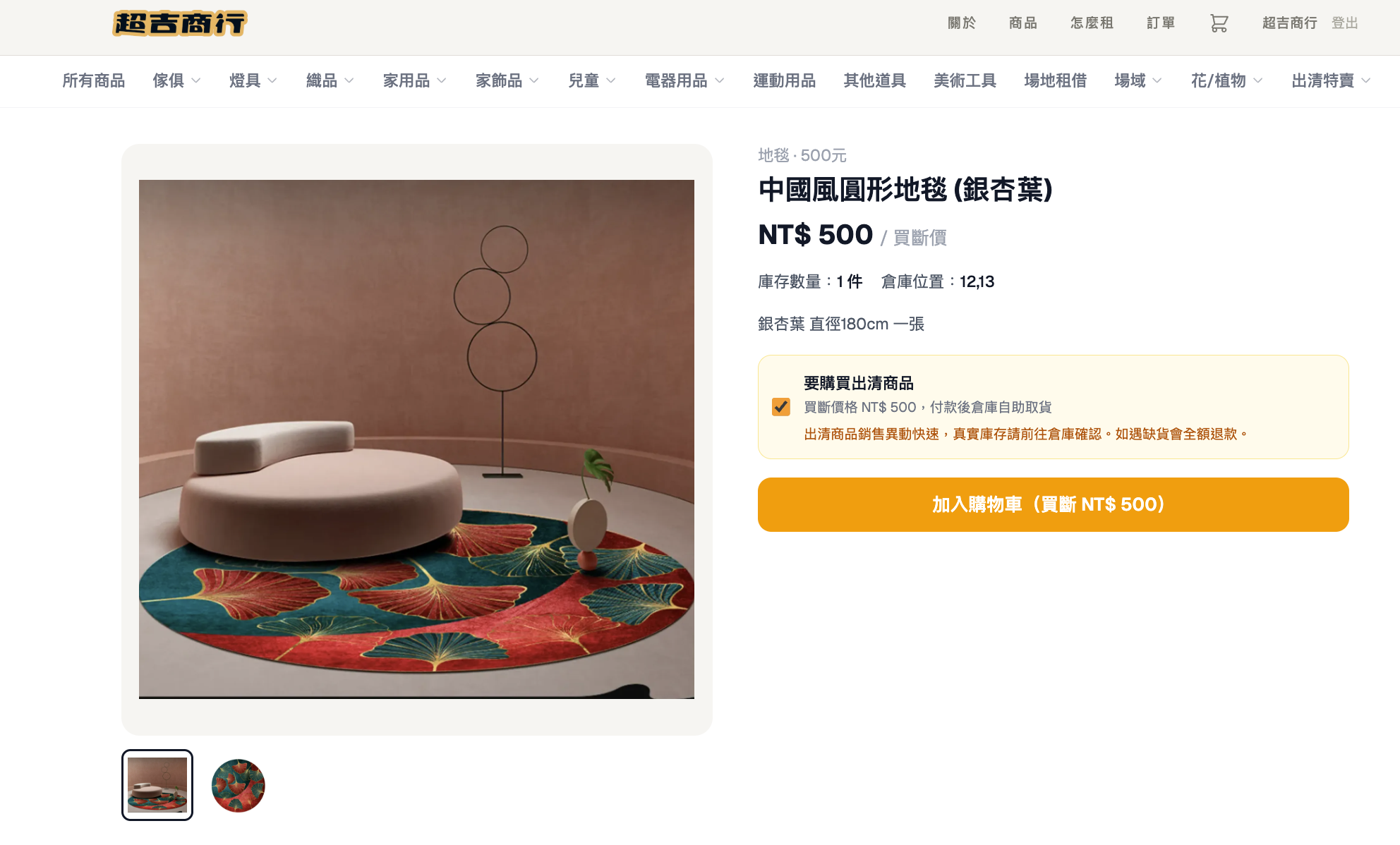
Built on the same architecture, clearance items can now also be bought outright instead of rented — no second system required.
A clearance item only exposes the buyout option once it has no active rental order against it; the check queries the same orders table the rental calendar already reads, filtered to that item, so the two transaction types can never be sold against the same physical unit at the same time. If a rental is still out, the product page tells the customer the exact date it returns and reopens for buyout instead of showing a broken purchase button.
Buyout orders skip the date-conflict check entirely, since there's no rental period to reconcile, and get routed to a separate review path in the admin panel so staff can tell at a glance which orders are pickups-after-payment versus scheduled rentals.